How It Works
Three steps to better chess
Chess Lens turns your game history into a searchable, analyzable dataset—then surfaces the patterns that are actually holding you back.
01
Connect your Chess.com account
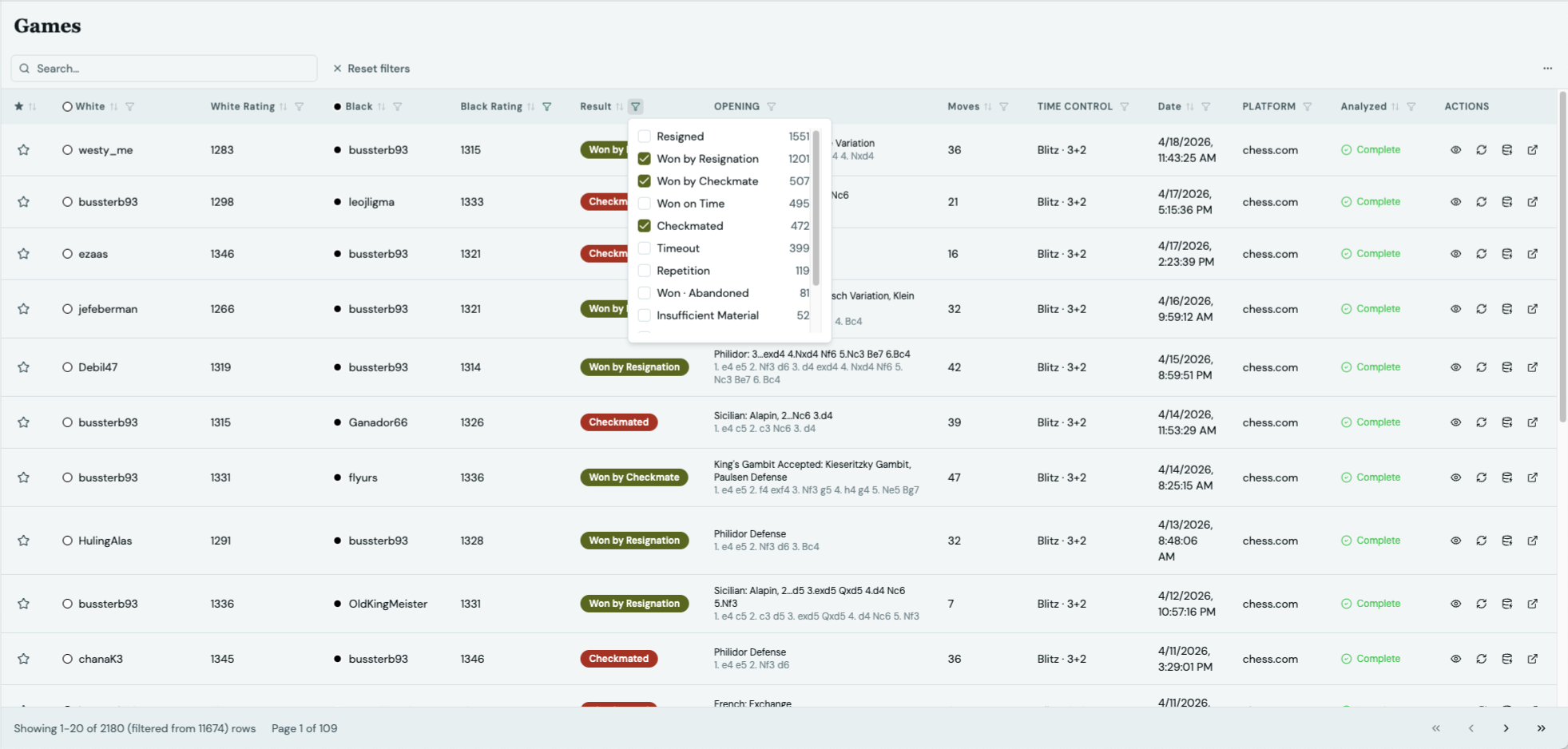
Enter your Chess.com username. Chess Lens syncs your game history via the public API—no password required. Your games are stored locally on your machine and stay there.
- Sync all your games automatically
- No account creation required
- Everything stored locally
- Lichess integration coming soon
02
Run deep automated analysis
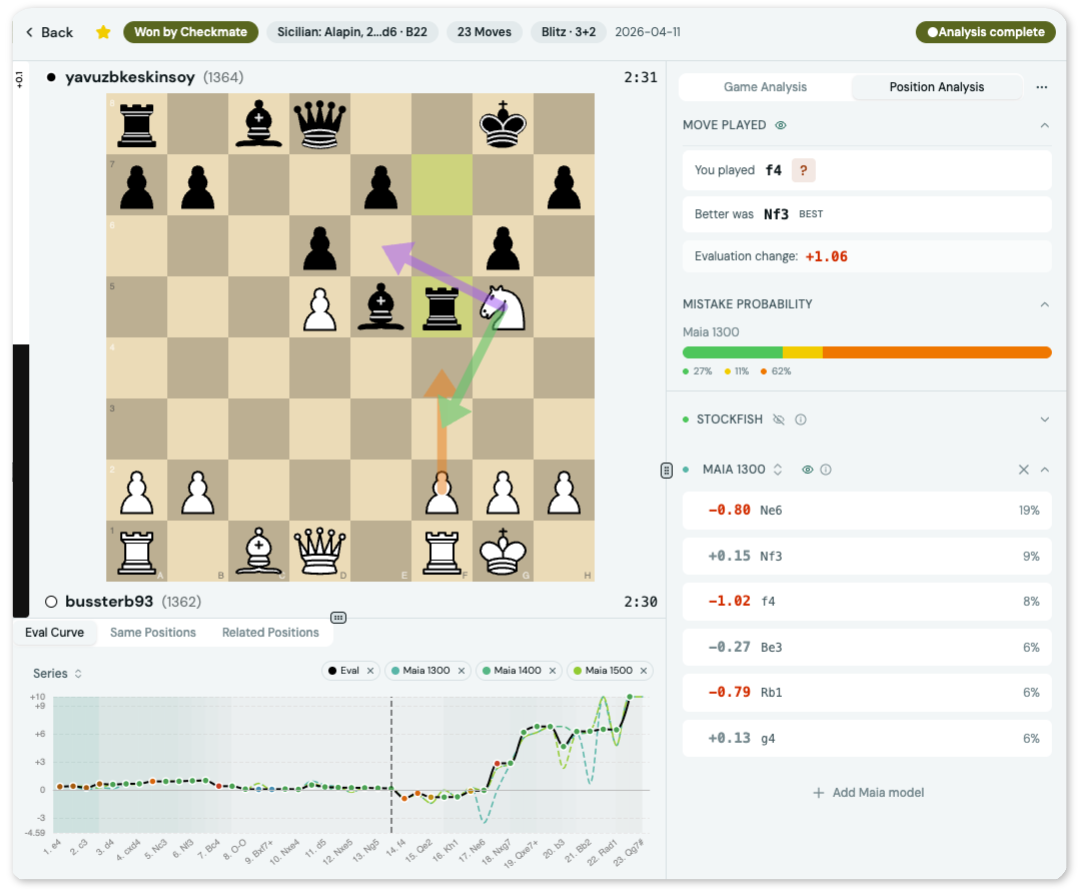
One click to analyze any game—or your entire library. Chess Lens uses Stockfish for objective evaluation and Maia for human-level predictions at ratings 1100–1900. Every move is classified and annotated.
- Stockfish engine for best-move evaluation
- Maia models for human-level move prediction
- Full NAG annotation (blunders, misses, brilliant moves)
- Runs on your hardware — free and offline
03
Find and fix your recurring patterns
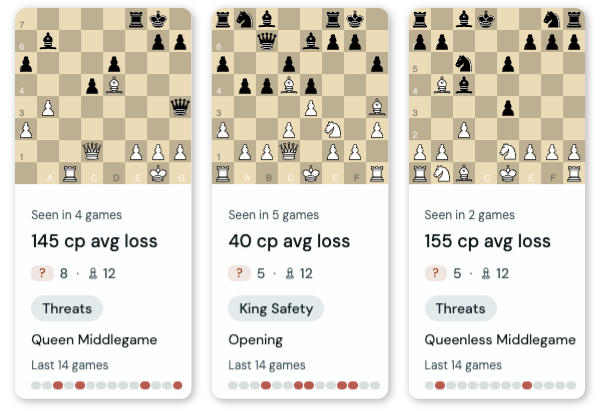
After analysis, Chess Lens groups similar positions into recurring mistake patterns. See which types of positions cause you the most trouble, how often they appear, and drill into every game instance.
- Automatic pattern grouping by position type
- Frequency and average centipawn loss per pattern
- Walk through every game instance in context
- Searchable game table with advanced filters